
Tag: Data Privacy
Passkeys vs. Passwords: Why It’s Time to Switch Now
February 26, 2026
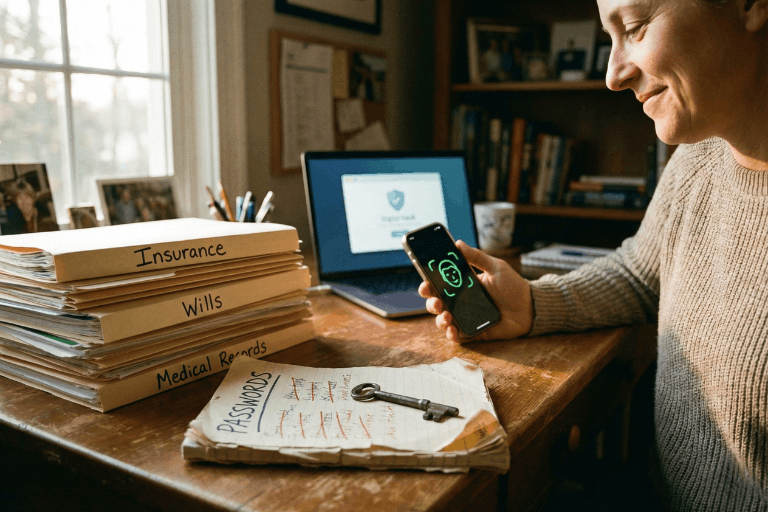
We all do it. Every morning. You grab your coffee, sit down, and try to log into your bank. Or maybe your insurance portal. You type in a password. Maybe it’s a strong one. Maybe it’s… well, let’s be real. It’s probably the same one you use for Netflix. But here is the hard truth: relying on a secret code just doesn’t cut it anymore. Not when your entire financial life is sitting behind it. Fast forward to 2026, and there is finally a better option that people are actually using: the passkey.
If you are the one stuck managing the heavy stuff for your family – wills, health records, the “in case of emergency” file – knowing the difference between a passkey and a password isn’t just tech trivia. It is a survival skill. It’s about keeping the wolves at the door away from the things that actually matter.
This guide breaks down exactly what passkeys are, how they smash the old-school password system, and why making the switch is probably the smartest move you can make right now.
What Is a Password – And Why Is It No Longer Enough?
Think about it. A password is just a string of letters you made up. It’s a secret handshake between you and a computer. And for a long time? That was fine.
But here is the snag: humans are involved. And humans? We are messy. The stats are pretty rough – something like 70% of hacks start because of a weak or stolen login. We reuse passwords because we’re lazy. We pick easy ones because we’re forgetful. Or we get tricked by a fake email and hand them over on a silver platter.
Common password headaches include:
- Brute-force attacks: Hackers have computers that can guess billions of passwords a second. If yours is simple, it’s gone before you can blink.
- The Dark Web: If one random site you use gets breached, your password ends up for sale. Suddenly, the bad guys have the keys to your whole life.
- Phishing: It is terrifyingly easy to get fooled by a fake email or website that looks real. You type it in, and poof – they have it.
- Fatigue: You have dozens of accounts. Remembering unique codes for all of them? Impossible. So we reuse them. And that is dangerous.
- SMS flaws: Even those text message codes aren’t bulletproof. Hackers can swap SIM cards and steal those codes right out of the air.
There is a saying in the security world that haunts me: Hackers don’t break in – they log in. If they have your password, they are you.
What Is a Passkey – And How Does It Work?
Passkeys are a total rewrite of the rules. Forget typing. A passkey uses public-key cryptography. Imagine a digital key that is split in two. One half sits on the website. The other half stays locked inside your phone or laptop.
When you want to log in, your phone and the website have a quick, silent chat. You prove it’s you by just unlocking your screen – Face ID, fingerprint, whatever. You don’t type a single letter. Nothing gets sent over the internet for a hacker to steal.
Think of it like a puzzle. The website has a piece. Your phone has a piece. They only fit together when you – the real you – are holding the device.
Key facts about passkeys:
- They run on the FIDO2 standard. Basically, the big tech companies all agreed on a better way to do things.
- Everyone is jumping on board: Google, Apple, Amazon, Chase Bank. They all support it.
- Millions of people are already using them without even realizing it.
- You can’t phish them. You can’t guess them.
- If you have a smartphone from the last few years, you are already ready to go.
Passkeys vs. Passwords: A Side-by-Side Comparison
Why is everyone making such a big deal about this? You have to look at the differences side-by-side to really get it.
1. Security
- Passwords: Weak. They can be stolen, guessed, or fished out of you with a fake email.
- Passkeys: Rock solid. The private key never leaves your phone. Even if a hacker breaks into the bank’s server, they can’t steal your key because it isn’t there.
2. Ease of Use
- Passwords: A pain. You forget them. You reset them. You type them wrong.
- Passkeys: Easy. You look at your phone, or touch the sensor. Done. It works 98% of the time and it’s way faster.
3. Phishing Resistance
- Passwords: Terrible. If a fake site looks real, you’ll probably type your password in.
- Passkeys: Perfect. A passkey is tied to the real website. If you land on a fake site, your phone knows. It simply won’t let you log in.
4. Device Dependency and Flexibility
- Passwords: You can use them anywhere, but that’s also why they are risky.
- Passkeys: They live on your device. But don’t worry – Apple and Google sync them to the cloud. So your passkeys are on your phone, your tablet, and your laptop automatically.
5. Risk in a Data Breach
- Passwords: If a company gets hacked, your password is leaked.
- Passkeys: If a company gets hacked, the hackers get… nothing useful. They just get a public key that can’t unlock anything without your phone.
Why This Matters for Protecting Vital Life Records
We usually don’t think about this stuff until it’s too late. You get hacked, or a family member passes away and nobody can get into their accounts. That is a nightmare scenario.
The accounts that hold your life’s work – insurance, savings, wills – need better protection than “123456.” If these get breached, it’s not just annoying. It’s identity theft. It’s losing money.
The banks know this. That’s why Chase and Wells Fargo are pushing passkeys. They want you safe.
If you are using a digital vault to keep your family’s info organized, turning on passkeys is the single best thing you can do today.
How to Set Up a Passkey (It Is Simpler Than It Sounds)
You don’t need to be a tech wizard. It takes two minutes.
Step 1: Go to your account settings (Google, Amazon, whatever).
Step 2: Look for “Passkeys” or “Security.”
Step 3: Click “Create Passkey.” Your phone will ask for your face or fingerprint. Do it.
Step 4: You’re done. Next time, just click “Use Passkey.”
Step 5: If you want to be extra safe, use a password manager like 1Password to keep them all organized.
Expert Tip: Start with the big ones. Email. Bank. Insurance. Get those locked down first.
Should Passwords Be Abandoned Entirely?
Not yet. We’re in a transition phase. Lots of old websites still need passwords. So here is the game plan:
- Switch to passkeys for anything important.
- Use a password manager to generate crazy long passwords for the junk sites that don’t support passkeys yet.
- Stop using SMS codes if you can help it. Use an app instead.
- Get a hardware key (like a YubiKey) if you are really paranoid about your email security.
- Check back often. More sites are adding this every month.
Microsoft went passkey-first last year and it’s been huge. By the end of 2026, typing passwords will feel like using a flip phone.
What Happens If a Device Is Lost?
Everyone asks this. “If I lose my phone, am I locked out forever?”
No. You’re fine.
- Cloud Sync: If you use an iPhone, your keys are in iCloud. Get a new phone, sign in, and they are back. Same for Android.
- Backup: You can still use other ways to get into your account if you absolutely have to.
- Thieves can’t use them: Even if someone steals your phone, they don’t have your face or fingerprint. They can’t use your passkeys.
Passkeys and the Future of Secure Document Storage
For families storing wills and financial docs online, security is everything. A digital vault is pointless if the key is under the mat.
Passkeys fix the human error part. You can’t accidentally give away your passkey. It solves the biggest problem in security: us.
Experts at Gartner and big tech firms are calling this the biggest shift in security in decades. The password era is ending. Finally.
Key Takeaways
- Passwords are weak. They are too easy to steal or guess.
- Passkeys are strong. They use heavy-duty encryption and your own biometrics.
- It’s happening now. Major banks and tech giants are already using them.
- Mix it up. Use passkeys where you can, strong passwords where you must.
- Don’t worry about lost phones. Cloud sync has your back.
- Protect your legacy. If you store vital records, this is a must-have upgrade.
Conclusion: The Lock Is Getting an Upgrade
Switching to passkeys isn’t just about cool new tech. It’s about peace of mind. Passwords put all the pressure on you to be perfect. Passkeys let your device handle the security so you don’t have to.
If you are serious about keeping your family’s future safe, stop waiting. Passkeys are here. They work. And they are way better than what you’re using now.
The best time to switch was yesterday. The second best time is today.
Protect What Matters Most
InsureYouKnow.org provides a secure, encrypted electronic safe deposit box for life’s most important information – insurance policies, financial records, healthcare documents, and more. Storing vital records in one organized, protected location means families are never left searching when they need information most. Start protecting what matters today at InsureYouKnow.org.
Public WiFi vs. Your Data: Why You Need a Secure Vault
January 28, 2026
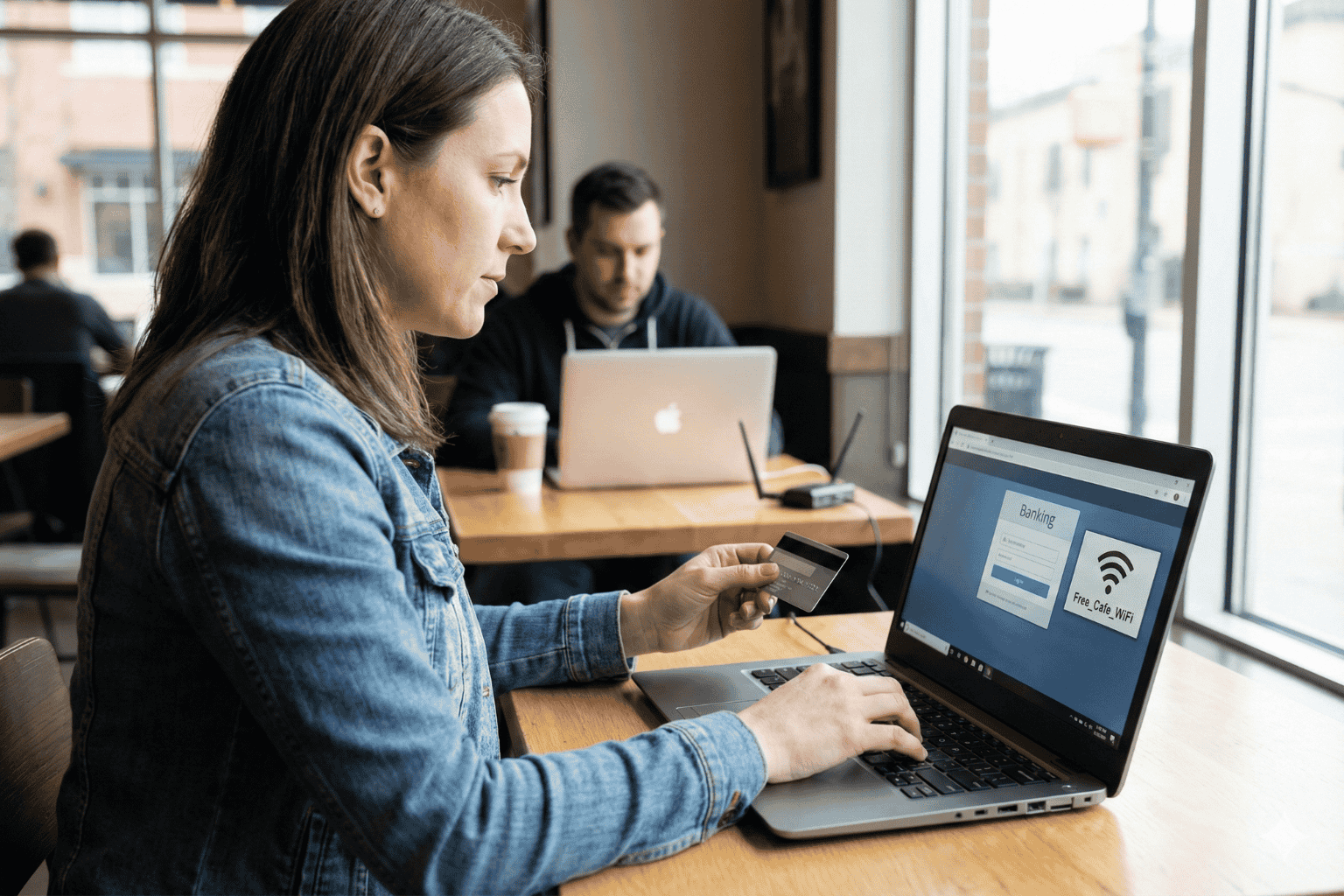
The Open Window
A traveler sits at a crowded airport gate. The flight is delayed. Boredom sets in. The phone comes out, and there it is: “Free Airport WiFi.”
Click. Connected.
It feels like a small victory. A chance to check a bank balance, pay a credit card bill, or look up a policy number.
But that click? It is the digital equivalent of leaving a house key under the doormat and hoping no one looks.
In 2026, we treat our phones like fortresses. We lock them with faces and fingerprints. Yet, the moment we connect to an open network, we lower the drawbridge. We invite the world in. And the world is watching.
The Invisible Eavesdropper
Here is the ugly truth about public internet: it is loud.
When data leaves a phone on a secure home network, it whispers. On public WiFi, it screams.
The danger isn’t usually some master criminal in a hoodie. It is often just software. Simple, cheap scripts running on a laptop three seats away. These programs are like digital vacuums. They suck up everything floating through the air.
- The Man-in-the-Middle: A hacker cuts in line. The user sends a password to the bank. The hacker catches it, copies it, and then passes it to the bank. The login works. The user has no idea they just handed over their keys.
- The Fake Twin: You see a network called “Coffee_Shop_Free.” It looks real. It isn’t. A scammer set it up five minutes ago. Connect to it, and the device effectively belongs to them until you disconnect.
The “Inbox” Mistake
Fear makes people do silly things. When travelers get nervous about logging in, they turn to an old, bad habit: The Email Search.
“I won’t log in,” they think. “I’ll just find that PDF I emailed myself.”
This is a disaster.
An email inbox is not a safe. It is a glass box. Email accounts are the most hacked targets on the planet. If a thief gets into an email account, they don’t just read letters. They find the tax returns from 2024. They find the scan of the child’s birth certificate. They find the list of “backup codes.”
Using an inbox to store life’s vital documents is like hiding jewelry in a clear plastic bag. It doesn’t work.
The Real Fix: A Digital Vault
So, what is the answer? Carry a filing cabinet? Never go online?
No. The answer is a Secure Digital Vault.
This is where platforms like InsureYouKnow.org step in. They aren’t storage bins. They are armored trucks.
1. It Shreds the Data A real vault uses encryption that mimics the banking world, like Amazon Cloud security. If a hacker snatches a file from the air, they don’t get a readable document. They get noise. A jumbled mess of code that means nothing. The thief gets the envelope, but they can never read the letter.
2. Nobody Knows the Code Privacy matters. The best systems run on “zero-knowledge” rules. That means the company holding the data doesn’t have the password. Even if they wanted to look, they couldn’t. The user holds the only key.
3. Get In, Get Out With a vault, the data lives in the cloud, not on the device. A user can log in on a hotel computer, check a passport number, and vanish. No files left in the “Downloads” folder. No trail for the next guest to find.
Peace of Mind
Security usually feels like a headache. Extra steps. More passwords.
But actually? It is freedom.
It is the ability to lose a wallet in Paris and not fall apart. Why? Because the backup copies of every card and ID are sitting behind an iron door in the cloud. Accessible. Safe. Ready.
Public WiFi is fine for reading gossip columns or checking the weather. But for the heavy stuff like the money, the legacy, and the identity, stay off the open road. Put the valuables in a vault. Lock it up. Then go enjoy the coffee.
Swedish Death Cleaning for Your Digital Life: A Simple Guide
January 15, 2026
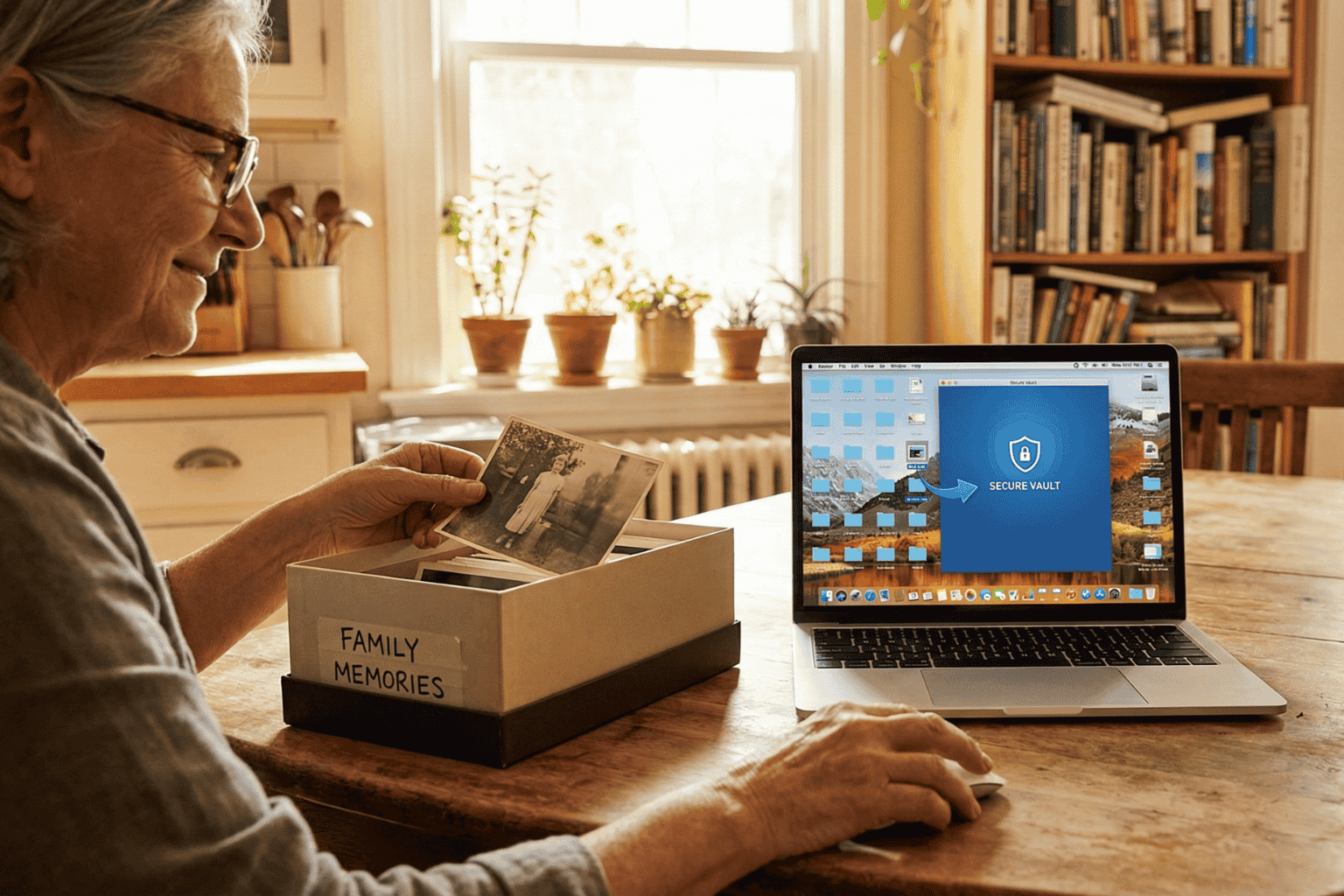
The mess you can’t see
There is a Swedish concept that has been making the rounds lately called döstädning. In English, it translates to “Swedish Death Cleaning.” It sounds a bit dark on the surface. Maybe even depressing. But the idea is actually pretty practical: you clear out your physical belongings, the dusty boxes, the clothes that don’t fit, the broken furniture, so your family isn’t stuck dealing with a mountain of junk when you are gone.
But here is the thing about modern life in 2026: the biggest mess isn’t in the garage. It’s floating in the cloud.
People are walking around right now with thousands of blurry photos, email accounts from ten years ago, and passwords that exist only in their heads. It is a silent chaotic mess. And if something happens, that digital chaos becomes a massive headache for the people left behind. Applying a little döstädning to the online world isn’t just about being tidy. It is about saving loved ones from a nightmare.
First, stop the bleeding
Before trying to organize the important stuff, the useless noise has to go.
Think about the average inbox. It is usually stuffed with newsletters that haven’t been opened since 2019 and receipts for things long thrown away. The first step of the clean-up is arguably the best part: hitting unsubscribe. If a subscription hasn’t provided value in the last six months, cut it loose.
Then look at the bank statement. How many streaming services or random apps are charging five dollars a month for nothing? Canceling those doesn’t just save cash today; it stops a confusing financial web from forming later. It is less for the family to untangle.
And then, the photos. Digital hoarding feels safe because it doesn’t take up room in the house. But leaving someone 50,000 screenshots to sort through is rough. Deleting the junk helps the real memories stand out.
The problem with passwords
Imagine cleaning up a whole house, locking the front door, and then throwing the key into a river. That is basically what happens when a digital life is organized but locked down.
In the past, important documents lived in a filing cabinet. A physical key could be found. Today? The “key” is a complex password or a face scan. If nobody else has those credentials, the assets inside, bank accounts, sentimental emails, crypto wallets, might as well not exist. They are locked in a digital vault with no door.
Scribbling passwords on a sticky note is risky. But keeping them entirely memorized is worse.
A smarter way to store it
Once the trash is deleted, what is left? The vital stuff. The deeds, the insurance policies, the wills, the vet records for the dog. These are the papers families panic over during an emergency.
Leaving these files scattered across three different cloud drives and a laptop desktop is a recipe for disaster. The strategy has to shift from “saving” to “managing.”
This is why platforms like InsureYouKnow.org are picking up steam. They aren’t just storage drives. They are digital safety deposit boxes. It gives people a single, encrypted place to put the things that actually matter. And unlike a regular hard drive, it bridges the gap. It keeps the data safe from hackers but ensures a trusted person can actually get to it when they need to.
It answers the question “Where is the policy?” before anyone even has to ask.
A lighter load
Calling it “Death Cleaning” makes it sound heavy. But honestly? It feels more like life cleaning.
There is a real sense of relief that comes from knowing the digital house is in order. No more background stress about lost files or forgotten logins. Just the calm knowledge that if life throws a curveball, the family won’t be stuck fighting with customer support to get into an account. They will have everything they need, right there, ready to go.
5 Scams Targeting Seniors in 2026 (And How to Lock Down Your Data)
January 1, 2026

Can you believe it is 2026? We have apps for everything and phones that are smarter than the computers we grew up with. But there is a flip side. All this tech has handed crooks a brand new playbook. And let’s be honest, they love targeting seniors.
The scams floating around right now aren’t the sloppy emails we used to laugh at. These new ones are sharp. They use fancy tech and psychological tricks to bypass your gut instincts. But don’t worry. You don’t need to be a tech wizard to stay safe; you just need to know what the red flags look like.
Here is what is happening out there and how to keep your private life private.
1. The “Grandchild” Voice Clone (It’s Not Them)
You might remember the old version of this trick. Someone calls pretending to be a grandson in trouble. Usually, you could tell it wasn’t him because the voice was off.
Well, the game has changed.
Scammers are now grabbing snippets of audio from social media videos. If your grandchild posted a video on TikTok or Instagram, that is all they need. They use AI to clone the voice. When the phone rings, it sounds exactly like them. Same laugh, same tone. They will say they are in jail or stuck in Mexico and need money fast.
What to do:
- The Password Rule: Agree on a secret family password. If “Bobby” calls saying he is in trouble, ask for the password. If he can’t give it, hang up.
- Don’t Panic: Hang up and call their real cell phone number. Verify it yourself.
2. The “Computer Meltdown” Pop up
You are just reading the news or looking for a recipe, and suddenly BAM. A siren starts wailing from your speakers. A box pops up on the screen saying your computer is infected and you have to call “Microsoft” immediately.
It is terrifying, right? That is the point.
But here is the truth. It is all smoke and mirrors. Your computer is fine. The person on that phone line isn’t tech support; they are a thief waiting for you to open the front door. If you let them “remote in,” they will swipe your passwords or charge you for fixing a problem that didn’t exist.
What to do:
- Ignore the Number: Real companies like Apple or Microsoft will never put a phone number on a warning pop up. Never.
- The Hard Reset: If your mouse freezes, just hold the power button down until the screen goes black. Turn it back on, and the “virus” will be gone.
3. The Medicare “Chip Card” Trap
Medicare rules are a maze, and scammers know it. The latest trick? A friendly phone call telling you that you are due for a “refund” or a new “chip card.”
It sounds great, doesn’t it? But then comes the catch. To get the goods, they say they just need to “verify” your Social Security Number or your current Medicare ID.
What to do:
- Guard It: Treat your Medicare number like the combination to a safe.
- Check Your Vault: Don’t take a stranger’s word for it. If you keep your insurance details stored in a secure spot, like the InsureYouKnow.org portal, you can just log in and check your official policy. Call the number on your documents, not the one the stranger gave you.
4. The “Pig Butchering” Long Game
This one is nasty because it pulls on heartstrings. It usually starts with a “wrong number” text or a random message on Facebook. The person is nice. You start chatting. Over weeks, maybe even months, you become friends.
Then, they mention money. They are making a killing in crypto or gold, and they want to help you do the same. You might even put a little money in and see it grow on a website they send you. But the moment you invest a serious amount? The website vanishes, and so does your “friend.”
What to do:
- Keep Wallets Closed: Never take financial advice from someone you have only met through a screen.
- Do Your Homework: If they send a photo, run it through a Google Image search. You will probably find that picture belongs to a model or someone else entirely.
5. The Fake Government Threat
Fear is a powerful tool. Scammers love to pretend they are the IRS or the Social Security Administration. You will get a text or voicemail saying your account is “suspended” or you owe back taxes.
They will threaten arrest if you don’t pay right now. And weirdly, they often want payment in gift cards.
What to do:
- Gift Cards equal Scam: The government will never ask you to pay a fine with an Amazon gift card. That just doesn’t happen.
- Slow Down: They want you to panic so you stop thinking. Take a breath. It is almost certainly fake.
The Secret Weapon? Getting Organized.
Why do these scams work? Because they rely on chaos. They hope you don’t know where your real policy is. They hope you can’t find the right phone number to check if the story is true.
If you have your house in order, they can’t touch you.
When you have your vital info, like IDs, policies, and bank contacts, locked in a secure, encrypted hub, you have the power. If someone calls about your life insurance, you don’t have to guess. You log in, look at the real document, and you see the truth.
Stay Safe Out There:
- Verify, Verify, Verify: Don’t trust Caller ID.
- Lock It Up: Use a secure service to store your life’s paperwork.
- Buddy System: Share access to that digital vault with a family member you trust. It helps to have backup.
You don’t have to be paranoid to be safe in 2026. You just have to be organized.
Why Emailing Files to Yourself Is Not a Secure Strategy
December 17, 2025
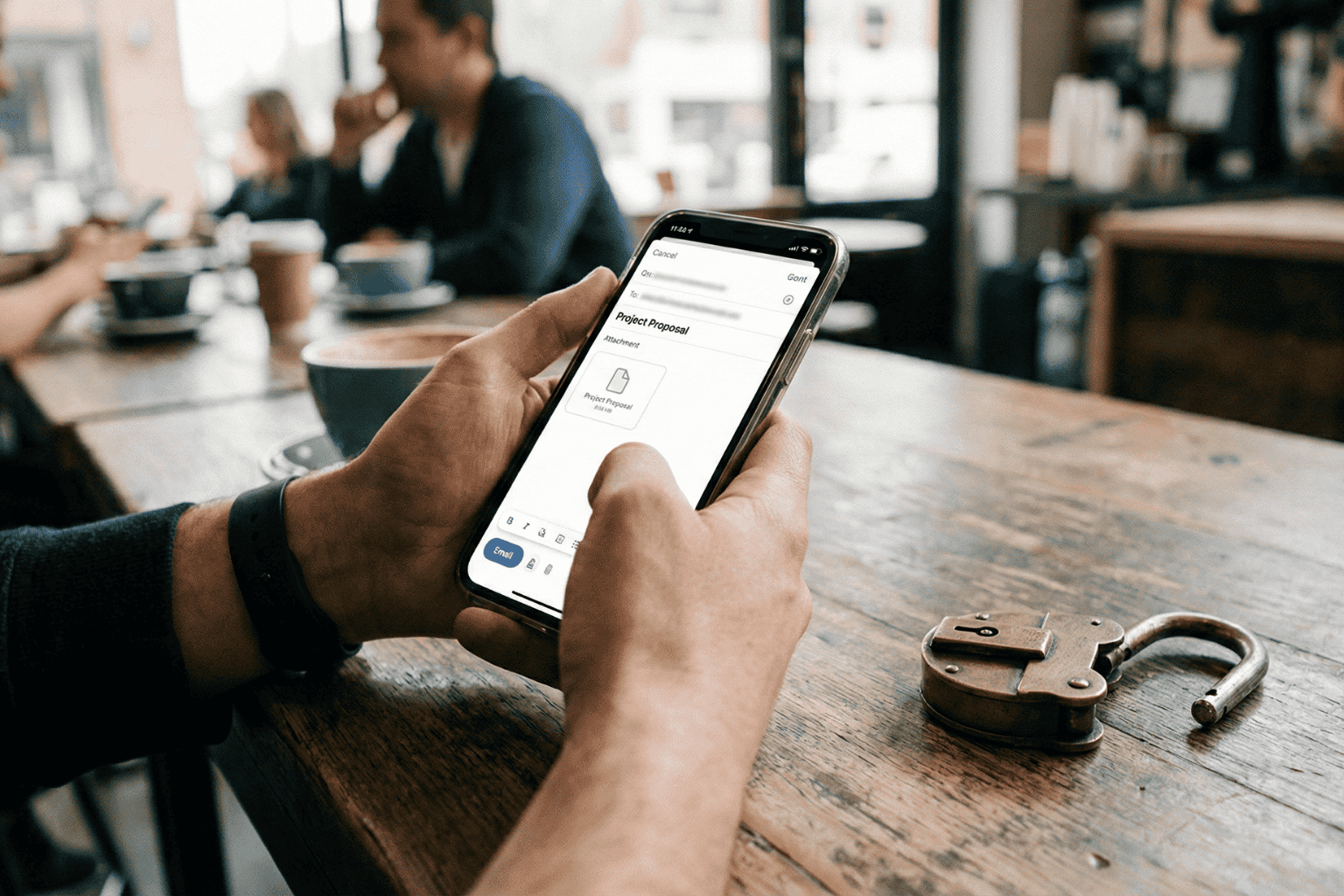
It happens. A tax return needs saving. A passport needs copying. Time is short. The solution seems obvious: attach the file, type in the email address, and hit send.
Done. Safe. Accessible from anywhere.
Or so it seems.
That “Sent” folder feels like a private archive. In reality, it is a ticking time bomb. Cybersecurity pros don’t view email as a vault. They view it as a sieve. It leaks. And when it comes to the blueprints of a person’s life, wills, deeds, insurance policies, using email for storage isn’t just a bad habit. It is a security nightmare.
The Glass Envelope
Here is the thing about email. It feels private. It requires a password to log in, after all. But once a message leaves the draft folder, it travels across the open web. It hops from server to server.
Think of it less like a sealed letter and more like a postcard. The postman can read it. The sorting clerk can read it. Anyone who intercepts the mail truck can read it.
While big tech companies lock the front door, the data inside often sits in plain text. If a hacker guesses a password, or if the email provider has a breach, those attachments aren’t encrypted. They are just sitting there. Open. Readable. Ready to be stolen.
The Trap of “Searchability”
The best feature of email is also its biggest flaw. It is searchable.
Type “tax” into the search bar, and boom: five years of returns appear. Convenient for the user? Absolutely. But it is even more convenient for a thief.
When cybercriminals crack an account, they don’t scroll through boring updates from Netflix or Amazon. They run bots. These automated scripts hunt for gold. They scan for keywords like “SSN,” “Scan,” “Medical,” or “Deed.”
In three seconds flat, a hacker can scrape a decade of sensitive life data. That PDF of a driver’s license sent in 2019? The user forgot it. The hacker found it. And now, identity theft is just a few clicks away.
The “Whoops” Factor
Then there is the human element. We are clumsy.
Predictive text is great until it isn’t. A user starts typing “Sarah” to send a financial statement to a spouse. The computer autofills “Sarah” the realtor from four years ago. The “Send” button is hit before the brain catches up.
Too late.
There is no taking it back. A total stranger now holds the keys to a private financial life. It happens constantly. It is messy. And it is completely preventable.
The Fix: A Real Vault
If the inbox is a postcard, a Secure Digital Vault is a steel fortress.
This is why platforms like InsureYouKnow.org exist. They don’t just “store” files. They lock them down.
The difference lies in the math. Real security uses AES-256 encryption. Imagine taking a document and putting it through a shredder that turns it into millions of mathematical shards. The only person with the glue to put it back together is the account owner. Even if a thief stole the server, they would get nothing but digital noise.
Plus, a vault brings order to chaos.
When a crisis hits, a fire, a sudden hospital trip, nobody wants to dig through a mountain of spam to find an insurance policy. A vault keeps things sorted. Medical. Legal. Financial. Everything in its right place.
The Bottom Line
Convenience is a trap. Saving ten seconds by emailing a file is not worth the misery of untangling a stolen identity.
Vital documents don’t belong in the “Sent” folder. They belong behind a lock. So, go ahead. Search the inbox for “scan.” Delete the results. And put those files somewhere they actually belong.