
Tag: Cybersecurity Tips
Public WiFi vs. Your Data: Why You Need a Secure Vault
January 28, 2026
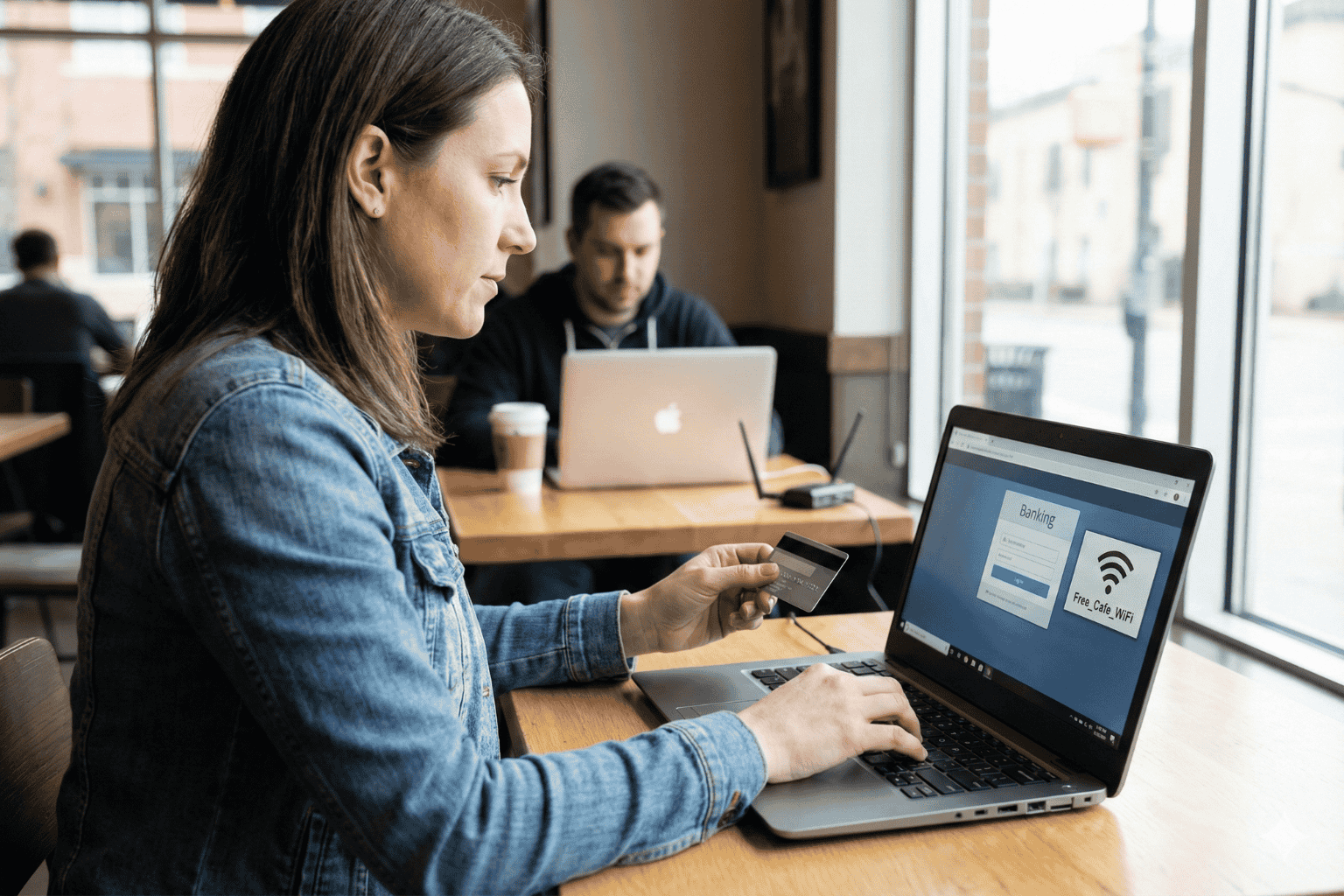
The Open Window
A traveler sits at a crowded airport gate. The flight is delayed. Boredom sets in. The phone comes out, and there it is: “Free Airport WiFi.”
Click. Connected.
It feels like a small victory. A chance to check a bank balance, pay a credit card bill, or look up a policy number.
But that click? It is the digital equivalent of leaving a house key under the doormat and hoping no one looks.
In 2026, we treat our phones like fortresses. We lock them with faces and fingerprints. Yet, the moment we connect to an open network, we lower the drawbridge. We invite the world in. And the world is watching.
The Invisible Eavesdropper
Here is the ugly truth about public internet: it is loud.
When data leaves a phone on a secure home network, it whispers. On public WiFi, it screams.
The danger isn’t usually some master criminal in a hoodie. It is often just software. Simple, cheap scripts running on a laptop three seats away. These programs are like digital vacuums. They suck up everything floating through the air.
- The Man-in-the-Middle: A hacker cuts in line. The user sends a password to the bank. The hacker catches it, copies it, and then passes it to the bank. The login works. The user has no idea they just handed over their keys.
- The Fake Twin: You see a network called “Coffee_Shop_Free.” It looks real. It isn’t. A scammer set it up five minutes ago. Connect to it, and the device effectively belongs to them until you disconnect.
The “Inbox” Mistake
Fear makes people do silly things. When travelers get nervous about logging in, they turn to an old, bad habit: The Email Search.
“I won’t log in,” they think. “I’ll just find that PDF I emailed myself.”
This is a disaster.
An email inbox is not a safe. It is a glass box. Email accounts are the most hacked targets on the planet. If a thief gets into an email account, they don’t just read letters. They find the tax returns from 2024. They find the scan of the child’s birth certificate. They find the list of “backup codes.”
Using an inbox to store life’s vital documents is like hiding jewelry in a clear plastic bag. It doesn’t work.
The Real Fix: A Digital Vault
So, what is the answer? Carry a filing cabinet? Never go online?
No. The answer is a Secure Digital Vault.
This is where platforms like InsureYouKnow.org step in. They aren’t storage bins. They are armored trucks.
1. It Shreds the Data A real vault uses encryption that mimics the banking world, like Amazon Cloud security. If a hacker snatches a file from the air, they don’t get a readable document. They get noise. A jumbled mess of code that means nothing. The thief gets the envelope, but they can never read the letter.
2. Nobody Knows the Code Privacy matters. The best systems run on “zero-knowledge” rules. That means the company holding the data doesn’t have the password. Even if they wanted to look, they couldn’t. The user holds the only key.
3. Get In, Get Out With a vault, the data lives in the cloud, not on the device. A user can log in on a hotel computer, check a passport number, and vanish. No files left in the “Downloads” folder. No trail for the next guest to find.
Peace of Mind
Security usually feels like a headache. Extra steps. More passwords.
But actually? It is freedom.
It is the ability to lose a wallet in Paris and not fall apart. Why? Because the backup copies of every card and ID are sitting behind an iron door in the cloud. Accessible. Safe. Ready.
Public WiFi is fine for reading gossip columns or checking the weather. But for the heavy stuff like the money, the legacy, and the identity, stay off the open road. Put the valuables in a vault. Lock it up. Then go enjoy the coffee.
Why Emailing Files to Yourself Is Not a Secure Strategy
December 17, 2025
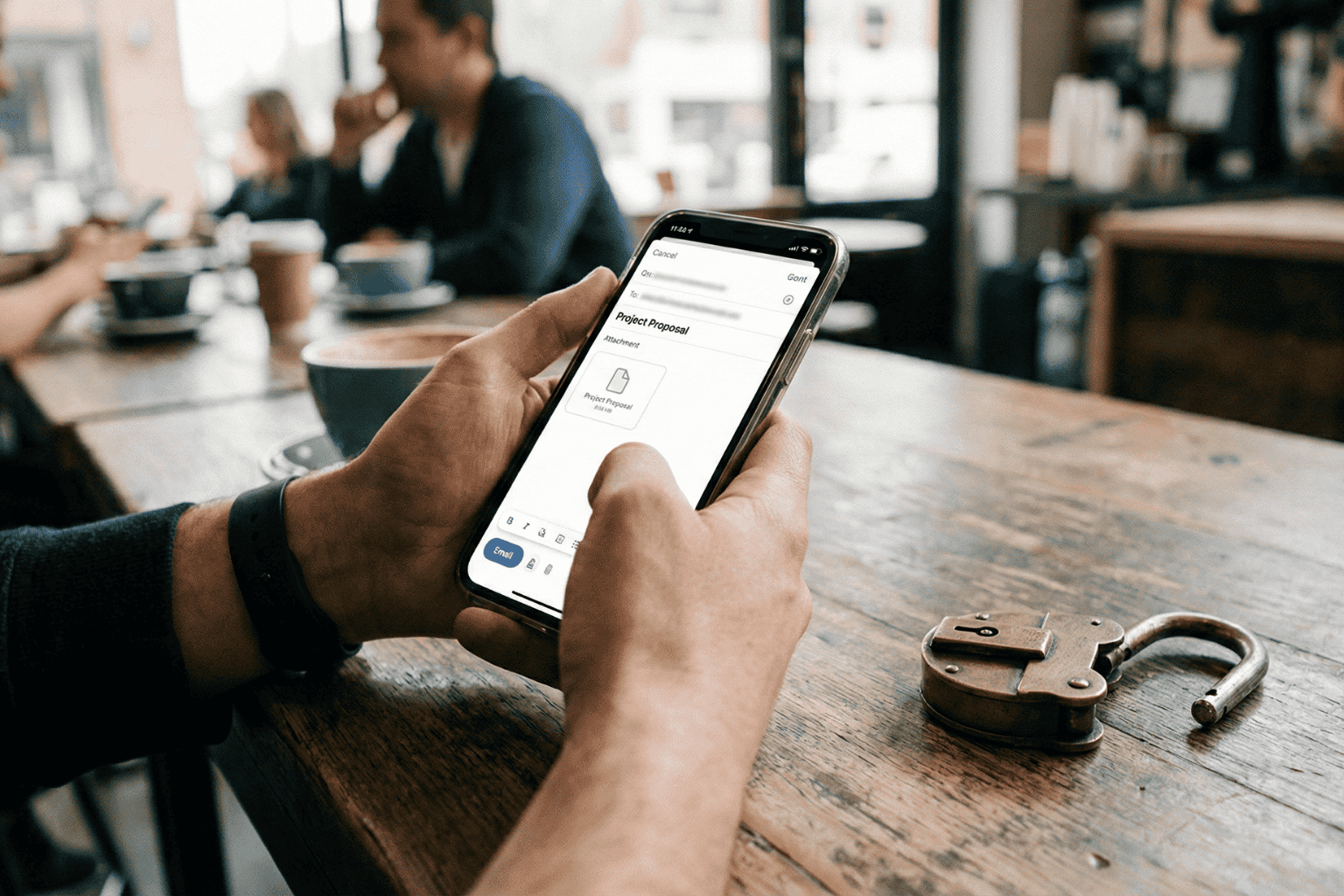
It happens. A tax return needs saving. A passport needs copying. Time is short. The solution seems obvious: attach the file, type in the email address, and hit send.
Done. Safe. Accessible from anywhere.
Or so it seems.
That “Sent” folder feels like a private archive. In reality, it is a ticking time bomb. Cybersecurity pros don’t view email as a vault. They view it as a sieve. It leaks. And when it comes to the blueprints of a person’s life, wills, deeds, insurance policies, using email for storage isn’t just a bad habit. It is a security nightmare.
The Glass Envelope
Here is the thing about email. It feels private. It requires a password to log in, after all. But once a message leaves the draft folder, it travels across the open web. It hops from server to server.
Think of it less like a sealed letter and more like a postcard. The postman can read it. The sorting clerk can read it. Anyone who intercepts the mail truck can read it.
While big tech companies lock the front door, the data inside often sits in plain text. If a hacker guesses a password, or if the email provider has a breach, those attachments aren’t encrypted. They are just sitting there. Open. Readable. Ready to be stolen.
The Trap of “Searchability”
The best feature of email is also its biggest flaw. It is searchable.
Type “tax” into the search bar, and boom: five years of returns appear. Convenient for the user? Absolutely. But it is even more convenient for a thief.
When cybercriminals crack an account, they don’t scroll through boring updates from Netflix or Amazon. They run bots. These automated scripts hunt for gold. They scan for keywords like “SSN,” “Scan,” “Medical,” or “Deed.”
In three seconds flat, a hacker can scrape a decade of sensitive life data. That PDF of a driver’s license sent in 2019? The user forgot it. The hacker found it. And now, identity theft is just a few clicks away.
The “Whoops” Factor
Then there is the human element. We are clumsy.
Predictive text is great until it isn’t. A user starts typing “Sarah” to send a financial statement to a spouse. The computer autofills “Sarah” the realtor from four years ago. The “Send” button is hit before the brain catches up.
Too late.
There is no taking it back. A total stranger now holds the keys to a private financial life. It happens constantly. It is messy. And it is completely preventable.
The Fix: A Real Vault
If the inbox is a postcard, a Secure Digital Vault is a steel fortress.
This is why platforms like InsureYouKnow.org exist. They don’t just “store” files. They lock them down.
The difference lies in the math. Real security uses AES-256 encryption. Imagine taking a document and putting it through a shredder that turns it into millions of mathematical shards. The only person with the glue to put it back together is the account owner. Even if a thief stole the server, they would get nothing but digital noise.
Plus, a vault brings order to chaos.
When a crisis hits, a fire, a sudden hospital trip, nobody wants to dig through a mountain of spam to find an insurance policy. A vault keeps things sorted. Medical. Legal. Financial. Everything in its right place.
The Bottom Line
Convenience is a trap. Saving ten seconds by emailing a file is not worth the misery of untangling a stolen identity.
Vital documents don’t belong in the “Sent” folder. They belong behind a lock. So, go ahead. Search the inbox for “scan.” Delete the results. And put those files somewhere they actually belong.